Anyone can create an account, but only accounts Henkan has granted access can use the app and the extension. Henkan Variant is reserved for the teams of Henkan's clients.
Not a Henkan client yet? On the Variant home page, select Talk to Henkan to tell the team about your needs. There is no self-serve beta.
Sign in#
Go to variant.henkanpartners.ai and select Sign in.
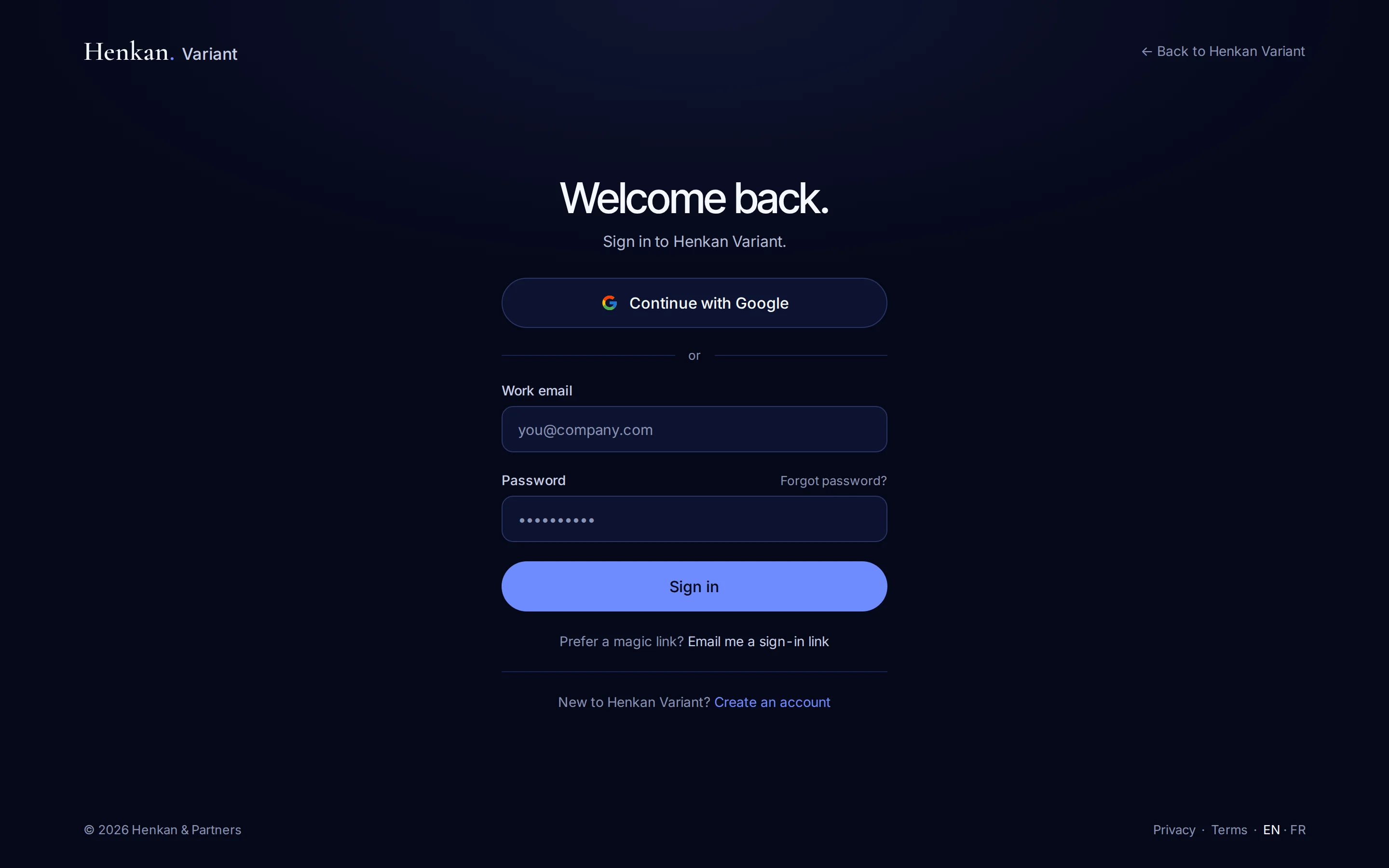
| Method | How it works |
|---|---|
| Continue with Google | Uses your Google account. No password to remember. |
| Email and password | Type your Work email and Password, then select Sign in. |
| Email me a sign-in link | Variant emails you a link that signs you in. It only works for an existing account. |
Forgot your password? Select Forgot password? on the sign-in page, and Variant emails you a link to choose a new one.
Create an account#
- Open the sign-up page On the sign-in page, select Create an account.
- Fill in your details Enter your Full name, Work email and a Password of at least 8 characters, or use Continue with Google.
- Confirm your email If you signed up with a password, click the link Variant emails you to activate your account.
How access is decided#
Henkan manages access in Henkan Account, its central account service. The app checks your access when you sign in, and the extension follows the same decision.
Until your account has access, Variant shows Reserved for Henkan clients instead of the app.
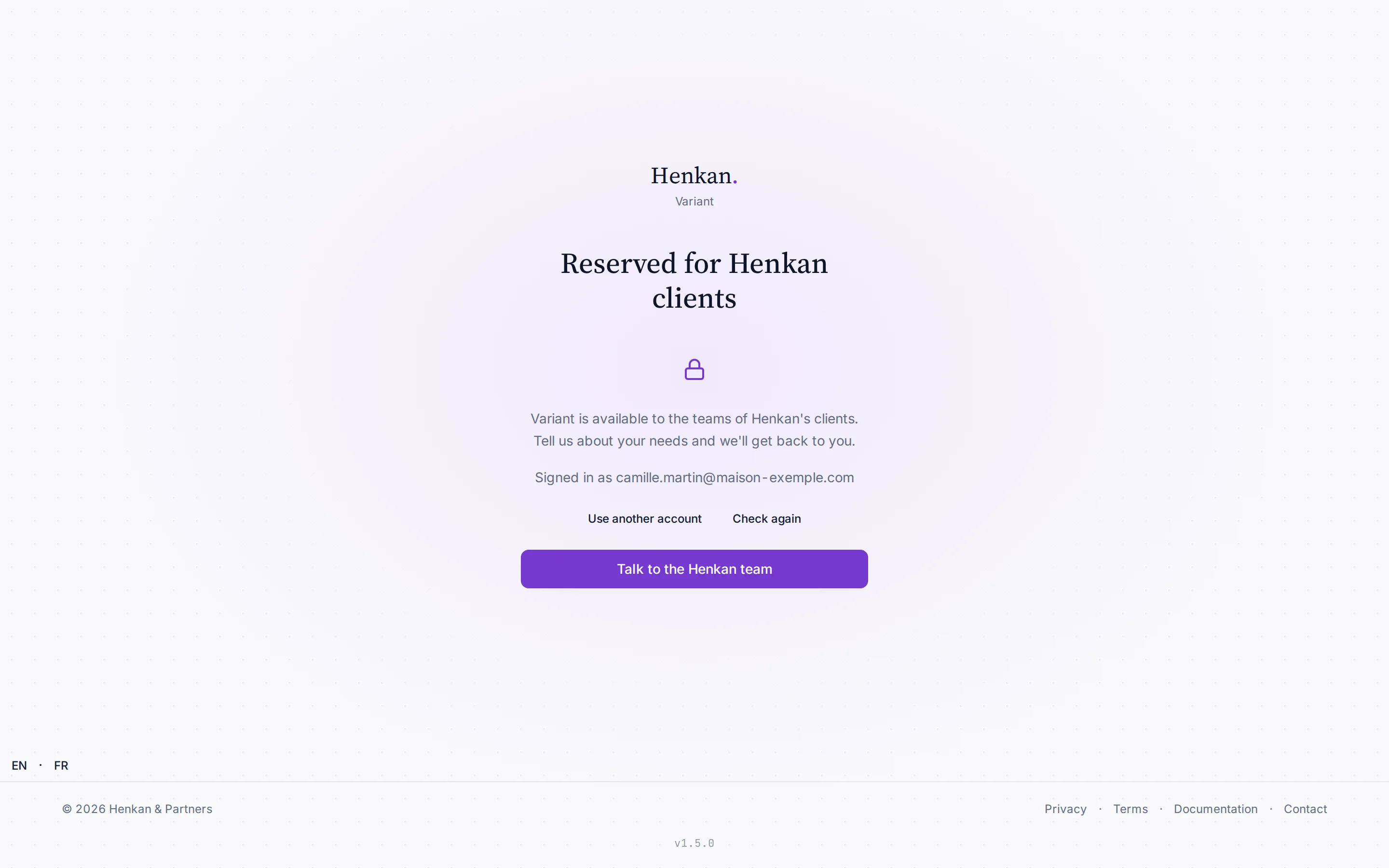
From this screen, Use another account signs you out so you can sign in with a different address.
Your workspace#
Everything you create belongs to a workspace: one per client company, shared by its team. Henkan sets up your company in Henkan Account, and Variant uses it to place you the first time you sign in.
| Your situation | What happens |
|---|---|
| Your company already has a workspace | You join it as a Client member. |
| You are the first from your company | Variant creates the workspace, named after your company, and makes you its Owner. |
| You were invited | You land in the workspace you were invited to. |
Variant no longer creates a personal workspace for each person. If you already had one, it stays available with its variants, next to your company workspace, which is selected by default. See Team and roles.
If your workspace is not ready#
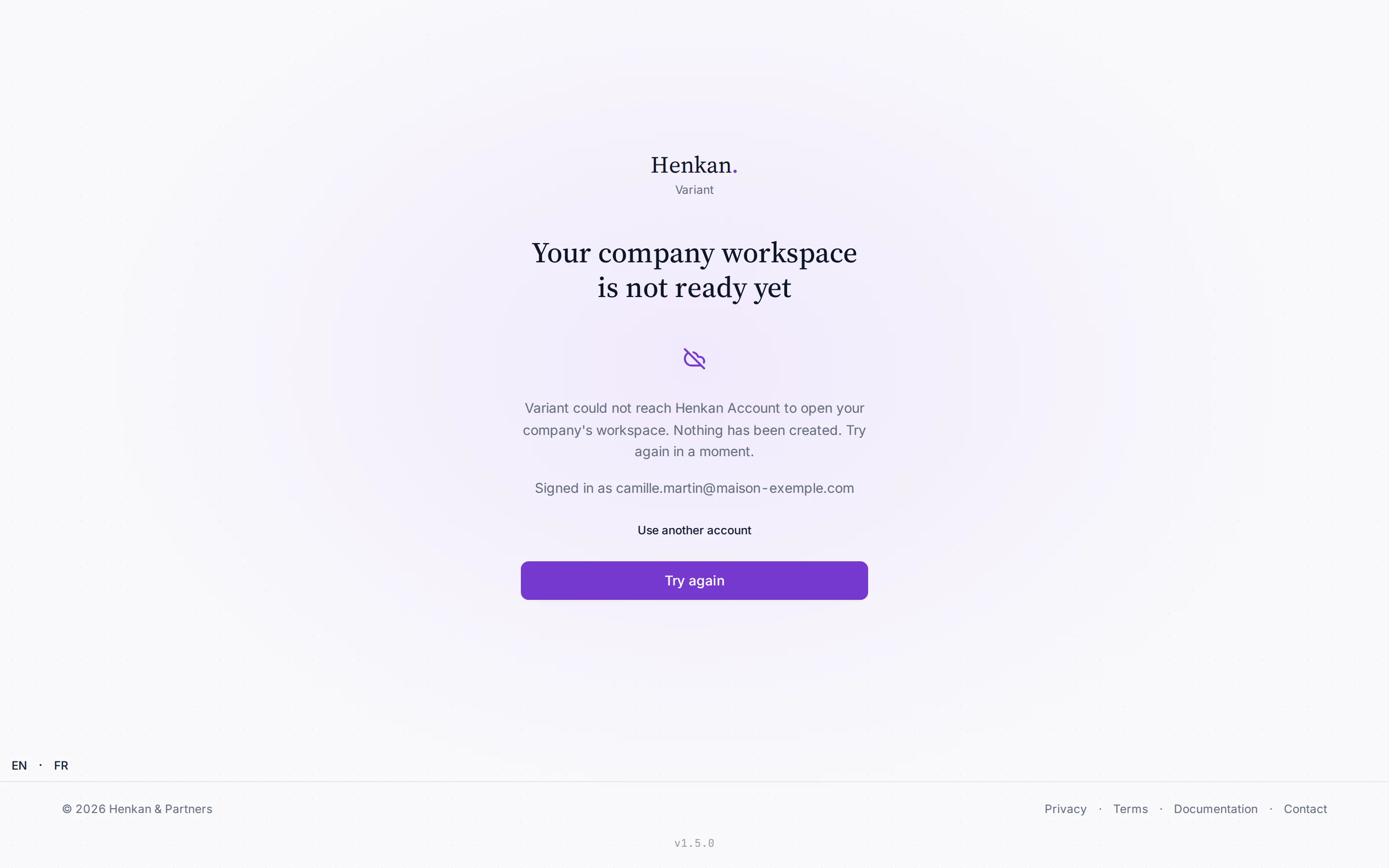
- Your company workspace is not ready yet. Henkan Account could not be reached, so nothing was created. Select Try again a moment later.
- No company workspace yet. Your access is active but your account is not linked to a client company. Ask your Henkan consultant to link it, then select Try again.
Several workspaces#
If you belong to several workspaces, the Henkan logo menu at the top of the sidebar lists them under Organisation, with a check next to the current one. All workspaces shows them all at once.
The menu lists only workspaces you are a member of, and Variant remembers your choice on this browser.